

Profile, billing details and sub-users
Update your contact details, enter your billing details for e-Invoice / e-Archive and give teammates limited access.
Billing and payments · 2 min read
Profile
On Account › Profile you can update your name, email and phone, and choose the interface language (Turkish, English, Russian) and the theme (light, dark).
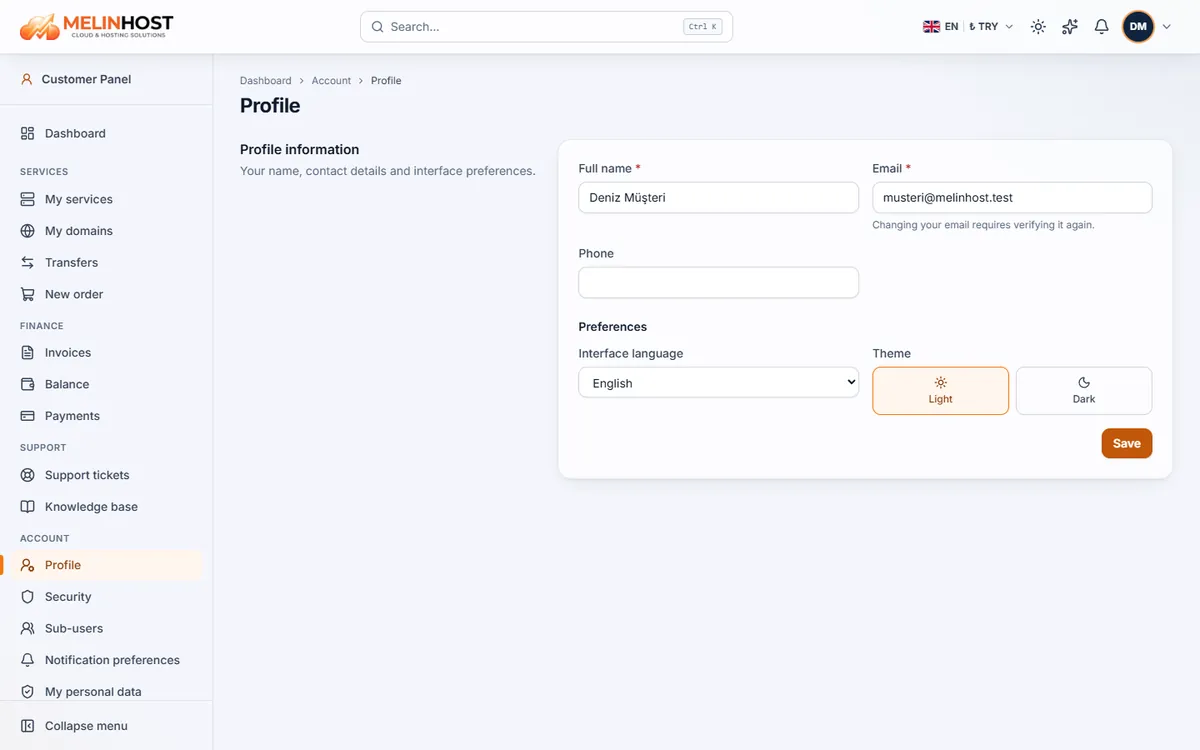
When you change your email address the new address has to be verified again; the verification link is sent to the new address.
Billing details
Your official invoices (e-Invoice / e-Archive) are issued from the details on Account › Billing details. We recommend filling this page in before you order.
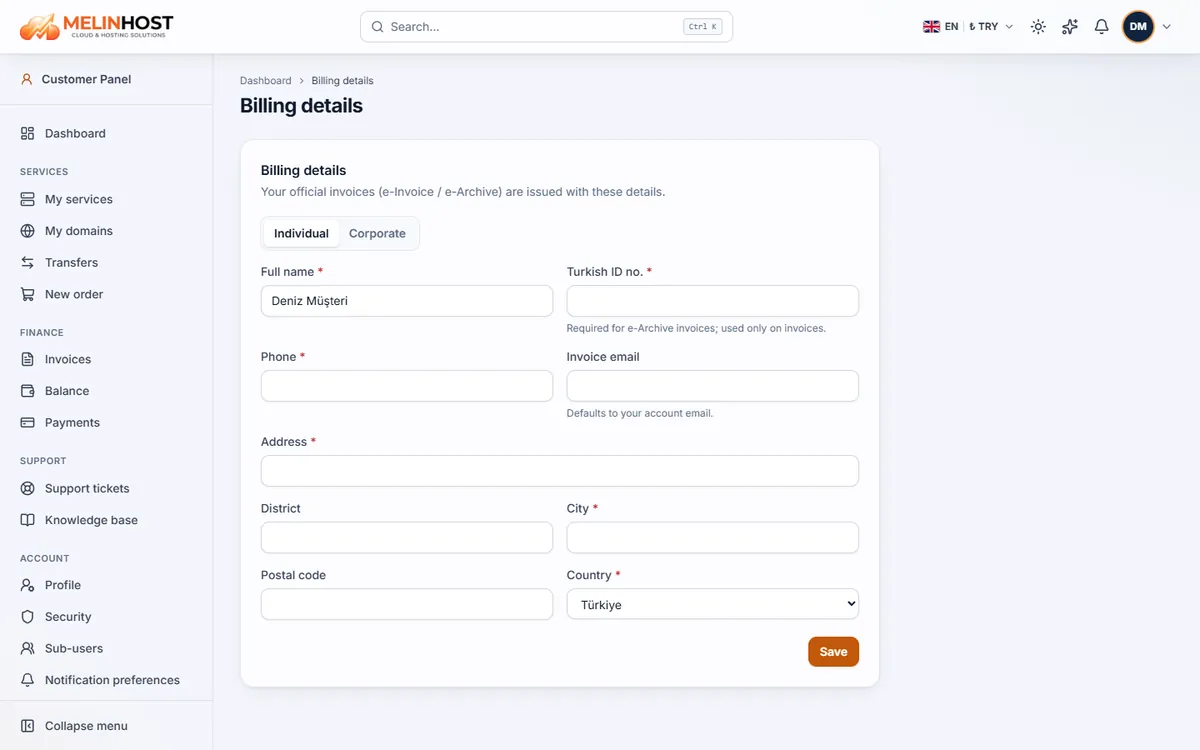
- Individual: full name, Turkish ID no. (required for e-Archive invoices and used only on invoices), phone, address, district, city, postal code and country.
- Corporate: company name, contact person, tax office and tax number (10 digits for Türkiye) plus address details.
- Invoice email: if left empty your account email is used; enter another address (for example accounting) here if invoices should go elsewhere.
Sub-users
You can let teammates, your accountant or your agency sign in to your account with their own password — you never need to share yours.
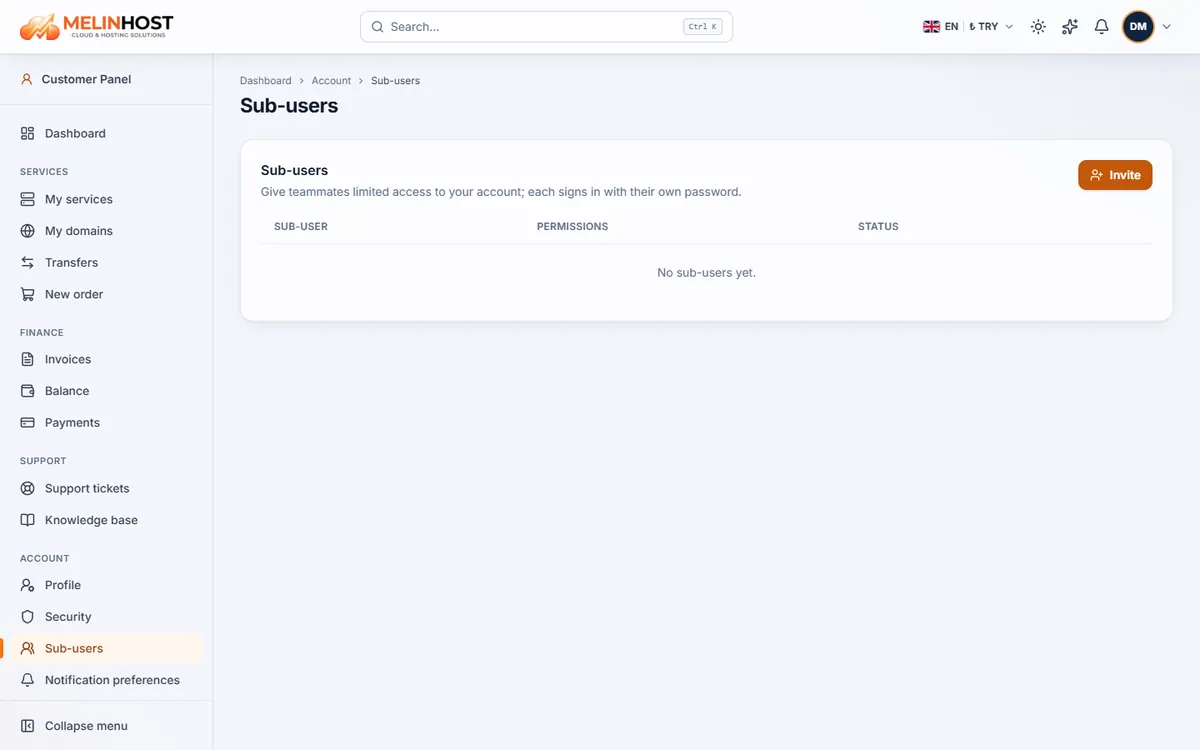
- On Account › Sub-users click Invite.
- Enter the email address of the person. A customer account must exist for that address, or the person has to create one.
- Choose the permissions: Services, Invoices & payments, Support, Notifications. At least one is required.
- Send it with Send invitation. The person activates access with the Accept invitation link in the email.
The invited person switches to your account from the account menu in the panel (Switch) and can only do what the permissions allow. You can change permissions with Edit permissions or remove access. There is an upper limit on how many sub-users you can add.