

Starting, shutting down and restarting your server
Power actions from the panel: the difference between Start, Restart, Shut down and Stop (force), and when to use each.
Cloud servers (VPS/VDS) · 2 min read
You can manage your server from the panel without connecting over SSH. Power actions are in the Server status box on the service’s Manage tab.
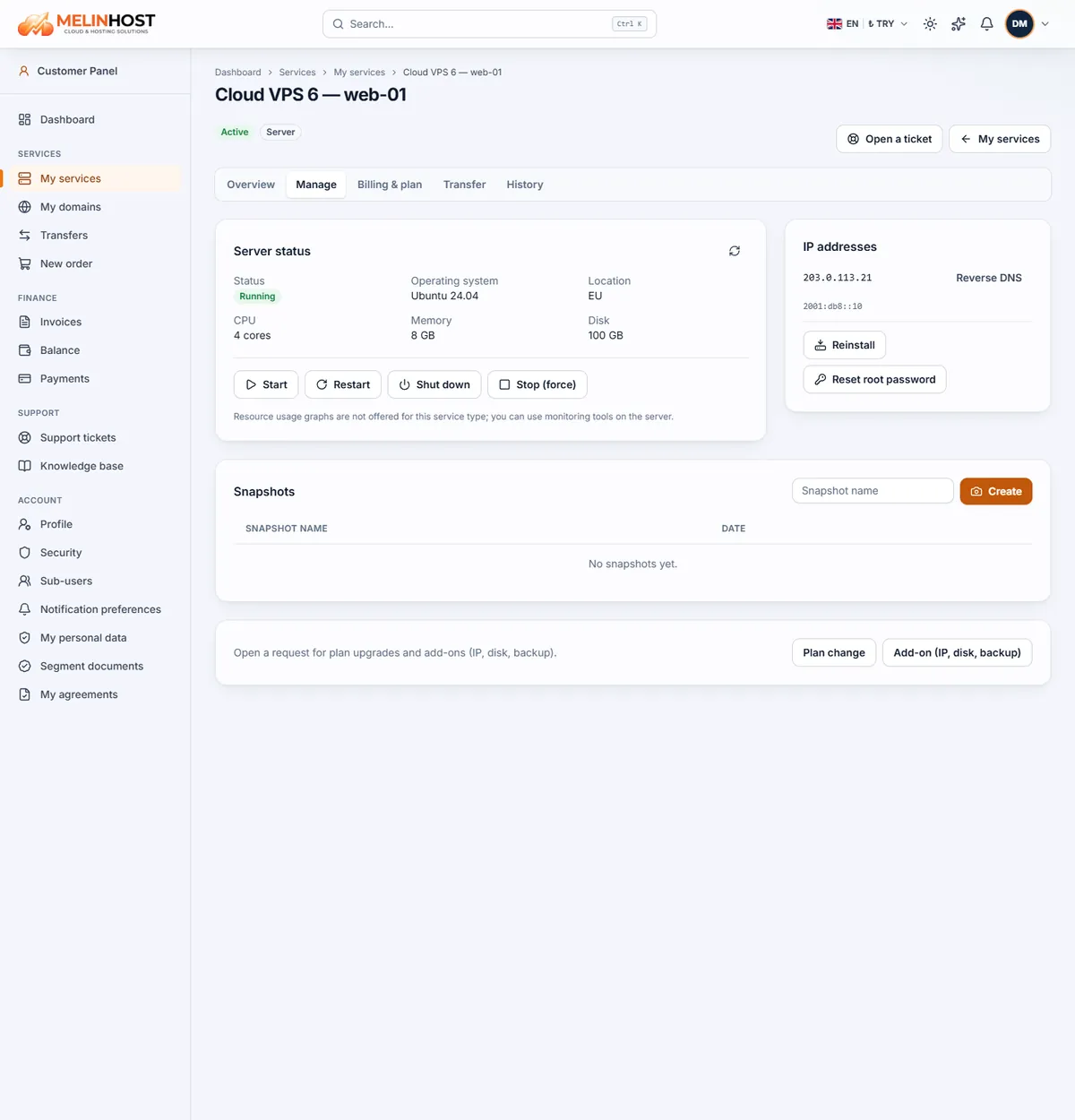
Server status
The box shows the server’s status (for example Running), operating system, location, CPU cores, memory and disk. If the status looks out of date, click the refresh icon at the top right of the box.
Power actions
| Button | What it does | When to use it |
|---|---|---|
| Start | Powers on a stopped server | When the server is off |
| Restart | Restarts the operating system cleanly | After updates and configuration changes |
| Shut down | Sends a shutdown command to the operating system so services stop cleanly | When you want to power the server off in a planned way |
| Stop (force) | Stops it immediately, as if the power were cut | When the server is unresponsive and other methods fail |
When you click a button you are asked to confirm, because running applications may be affected. After you confirm, the action is sent and the status updates within a few seconds.
Careful: Stop (force) can lose unsaved data and corrupt the file system. Use Shut down or Restart whenever you can.
If the server is unresponsive
- Try Restart and wait a few minutes.
- If it is still unreachable, use Shut down, then Start.
- As a last resort, Stop (force) and Start.
- If the problem continues, open a ticket and include the server name and when it started.
Every power action is recorded on the service’s History tab.